Falcon PDF 2026.09 — Free AI, Real Signatures, and Searchable Scans
Released September 2026
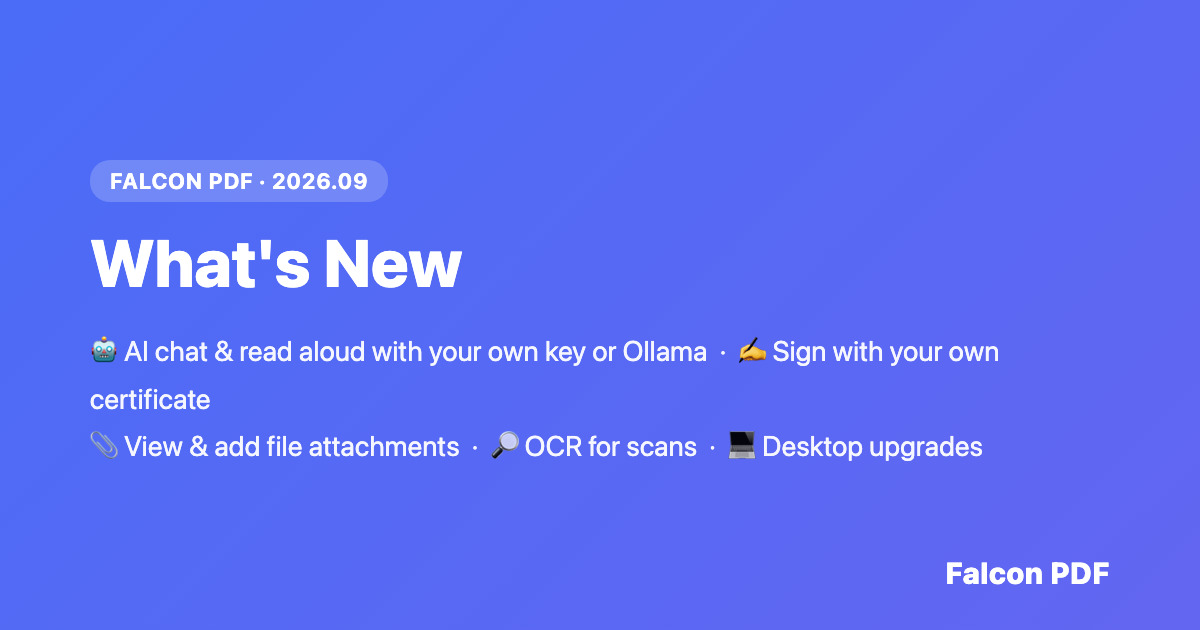
Falcon PDF 2026.09 is one of our most requested releases yet. This update focuses on giving you more control — over your AI, your signatures, and your documents — while polishing the desktop experience with a big round of quality-of-life upgrades.
Highlights
🤖 AI Chat & Read Aloud — Bring Your Own AI
Falcon PDF's AI chat has been revamped from the ground up, letting you ask questions about your PDF and have it highlight, annotate, or edit content for you. The standout change: both AI chat and natural read-aloud voices now support connecting your own OpenAI-compatible provider, or running a fully local model with Ollama — no Falcon-imposed credits or usage limits when you bring your own AI.
If you'd rather skip the setup, the hosted Falcon AI option is still available whenever you want it.
🖊️ Sign PDFs with Your Own Certificate
Digital signing just became a lot more self-sufficient. You can now sign a PDF using your personal Digital ID (.p12/.pfx) directly inside Falcon PDF. Choose a visible signature appearance, save it as a reusable preset, or sign invisibly if that suits the document better. Signing a field never disturbs any signatures the document already has — everything stays valid.
📎 File Attachments — View, Open, and Add
Attachments inside a PDF are no longer a mystery. Tap one to open and save it straight to your device. And with Pro, you can attach your own files to a page and place them exactly where you want. For safety, attachments are always saved rather than opened automatically.
🔤 Text Recognition (OCR)
Scanned paperwork just got a lot more useful. Falcon PDF's new OCR works on scanned images and on scanned or image-based PDF documents, turning static content into text you can search, select, and copy.
Other improvements
- Annotations — tap a highlight or comment to select it, with the page automatically centering on your choice
- Desktop drag-and-drop — drop one or more files onto the window to open each in its own tab
- Desktop share — share directly from the toolbar using your system share sheet, or reveal a file with Show in Finder
- Keyboard shortcuts — a full set for printing, saving, go-to-page, bookmarks, zoom, and navigation, plus Chrome-style tab switching and a reference in Settings
- Faster, more reliable app updates on desktop
- Fixed a rare crash on desktop when opening or closing a PDF while it was still loading
- Editor settings save button no longer hides behind the system navigation bar
- Editor toolbar back button now prompts to save unsaved changes
- Annotations: tapping a highlight or comment added by someone else now opens its details
- Digital signatures (Android): "Add to Trusted" now works correctly, and unsigned fields show a Sign option
- Digital signatures: opening a freshly signed PDF now works, with signed copies saved alongside your other tool results
- PDF tools and Browse Files action buttons no longer hide behind the bottom navigation bar on mobile
Falcon PDF 2026.09 is available now on iOS, Android, Mac, and Windows.
Download Falcon PDF →