Falcon PDF Blog
Work smarter with PDFs
Guides, tutorials, productivity tips and ideas to help people work better with PDF documents.
How to Edit a PDF: A Complete Guide
Edit any PDF like a pro — change text, add images, rearrange pages, fill forms and annotate — on iOS, Android, Mac, Windows and Linux with Falcon PDF.
Read article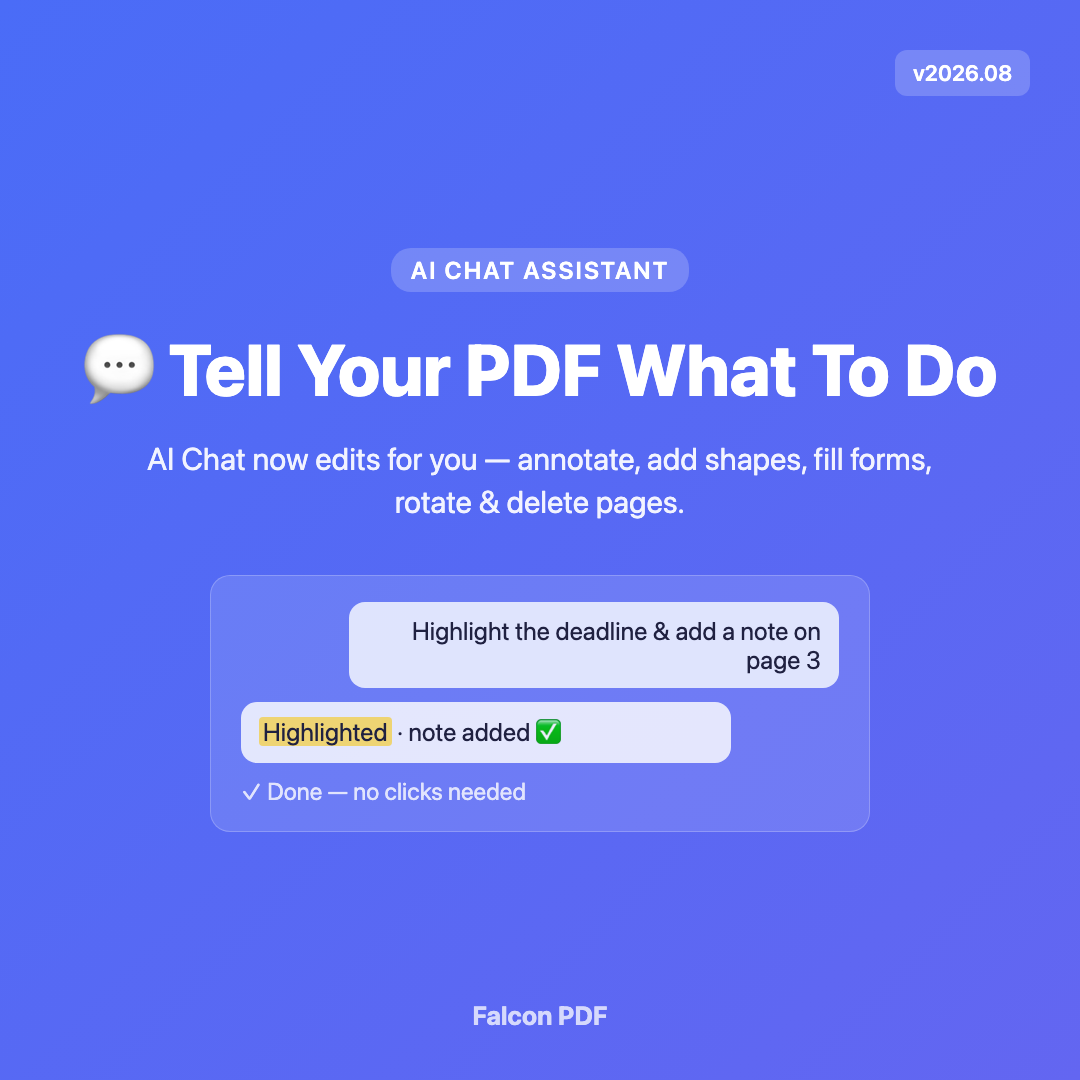
How to Configure Your Own AI Provider in Falcon PDF
Connect OpenAI, OpenRouter, Groq, Together AI, or a local Ollama model and chat privately with your PDFs using your own API key.
How to Add Text to a PDF
Type directly onto any PDF — fill flat forms, add notes, insert labels and match fonts — on iOS, Android, Mac, Windows and Linux with Falcon PDF.
How to Annotate a PDF: Highlight, Comment and Draw
Mark up any PDF with highlights, sticky notes, freehand ink and shapes — perfect for review, study and feedback — across all your devices with Falcon PDF.
How to Compress a PDF Without Losing Quality
Shrink large PDFs for email and upload while keeping text crisp — learn which settings matter and how to balance size and quality with Falcon PDF.
How to Sign a PDF Securely
Add a legally useful signature to any PDF, then lock it down with a password and permissions so it can’t be tampered with — on all your devices with Falcon PDF.